Hamster Village Tools
Practical checklists and session aids for cleaner Cash cycles.
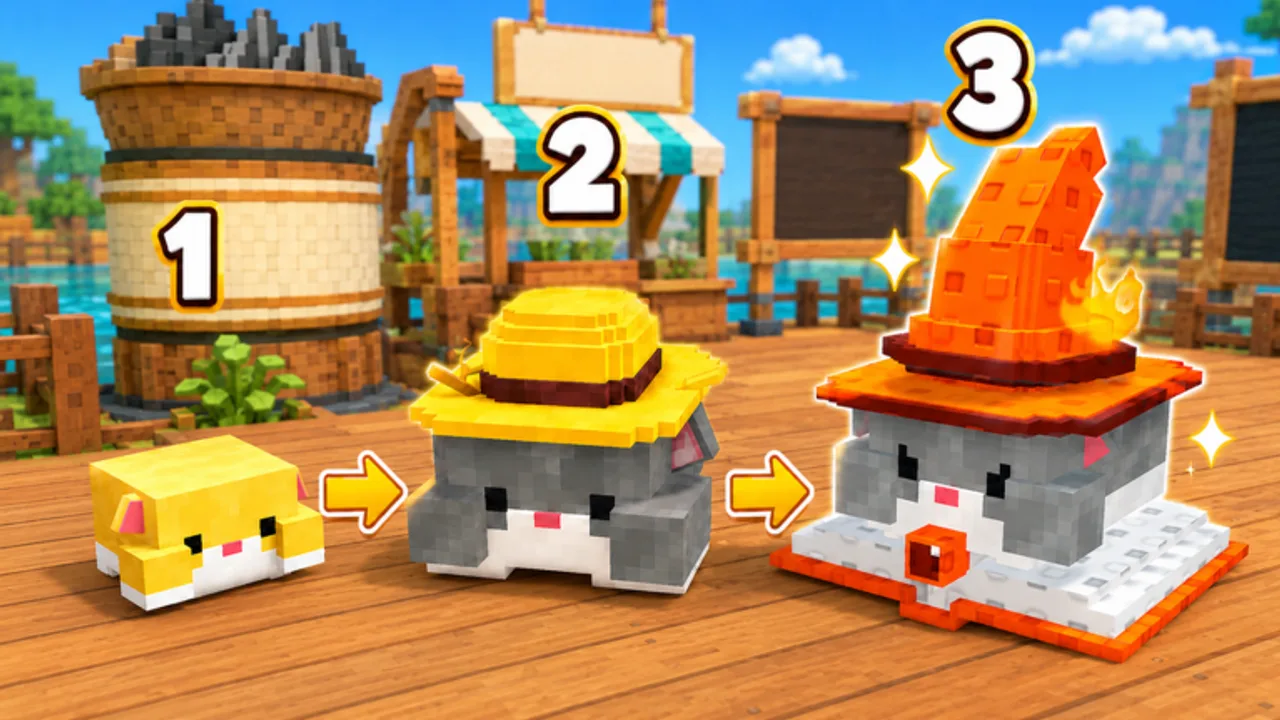
The Tools Hub collects practical, reusable aids for Hamster Village on Roblox. Instead of gimmick calculators with made-up prices, we ship checklists that match the real buttons: buy hamsters, collect Seeds, Deposit, Cashier, Merge, Upgrade, and Buy Tier.
Available tools
- Session Checklist — a markdown checklist you can follow every run: confirm the correct game, complete one income cycle, plan Merge triples, review Upgrade/Buy Tier spends, and shut down cleanly.
More tools will appear here only when they stay honest (no invented seed-per-second tables presented as official).
Why a checklist beats a fake calculator
Hamster Village prices and drop timing can shift after Shutdown = Update maintenance. A flashy spreadsheet that hardcodes unverified numbers goes stale overnight. A process checklist still works:
- Did Seeds hit Carry?
- Did Deposit fire?
- Did Cashier turn PendingCash into Cash?
- Do I have three matching tiers ready to Merge?
- Is Upgrade or Buy Tier the smarter spend right now?
Those questions stay valid across patches. Pair them with How to Farm Seeds and Getting Started when you need deeper explanation.
How to use tools with the rest of the wiki
| Goal | Tool / page |
|---|---|
| First session structure | Session Checklist + Getting Started |
| Income debugging | Checklist Deposit/Cashier rows + How to Farm Seeds |
| Tier decisions | Checklist Merge section + Tier List Hub |
| Unlock timing | Checklist Buy Tier row + How to Unlock Hamsters |
| Automation | Finish checklist manually → Scripts Hub |
| Correct place | Checklist header + Roblox Game Link |
Suggested workflow
Before you join
Open the Session Checklist on a second monitor or phone. Confirm Place ID mindset via Official Links.
During the session
Tick Collect, Deposit, and Cashier every few minutes until muscle memory lands. Mark Merge candidates when you see doubles.
Before you leave
Cashier once more, cancel risky Auto Buy if you use scripts, and note whether Buy Tier is close for next time (Hamster Collection).
After a shutdown
Retest the checklist from the top. Skim October 2026 or the broader Updates Hub when the Roblox Updated stamp moves.
What this hub will not do
- Publish mobile diamond/gold “code tools” for the wrong game (Codes Hub explains why).
- Claim official rebirth calculators (there is no rebirth).
- Replace mechanical guides with buzzword widgets.
Related hubs
Use tools to keep sessions honest. When every Collect is banked through Deposit and Cashier, your Merge and Buy Tier decisions finally have Cash behind them.
Frequently Asked Questions
Quick answers to the most common questions.
What tools are available right now?
Start with the Session Checklist. It walks through buy, Seeds, Deposit, Cashier, Merge, Upgrade, and Buy Tier in order.
Is there a seed income calculator?
Not as an official numbers tool. Unverified rates go stale after updates. Use the checklist plus the Farm Seeds guide to measure your live session instead.
Can I use the checklist with scripts?
Yes. Complete the manual rows once, then enable automation from the Scripts Hub. After Shutdown = Update, rerun the checklist before trusting Auto Buy or Auto Merge.
Does the Tools Hub include promo code redeemers?
No. There are no confirmed Roblox promo codes for Hamster Village as of October 2026. See the Codes Hub for status.
Who should use these tools?
Anyone who wants consistent sessions — beginners learning Deposit/Cashier and veterans who want a clean pre-Merge / pre-Buy Tier routine.