Hamster Village Scripts
Optional automation for Seeds, Cash, Merge, and Buy Tier — with clear risk warnings.
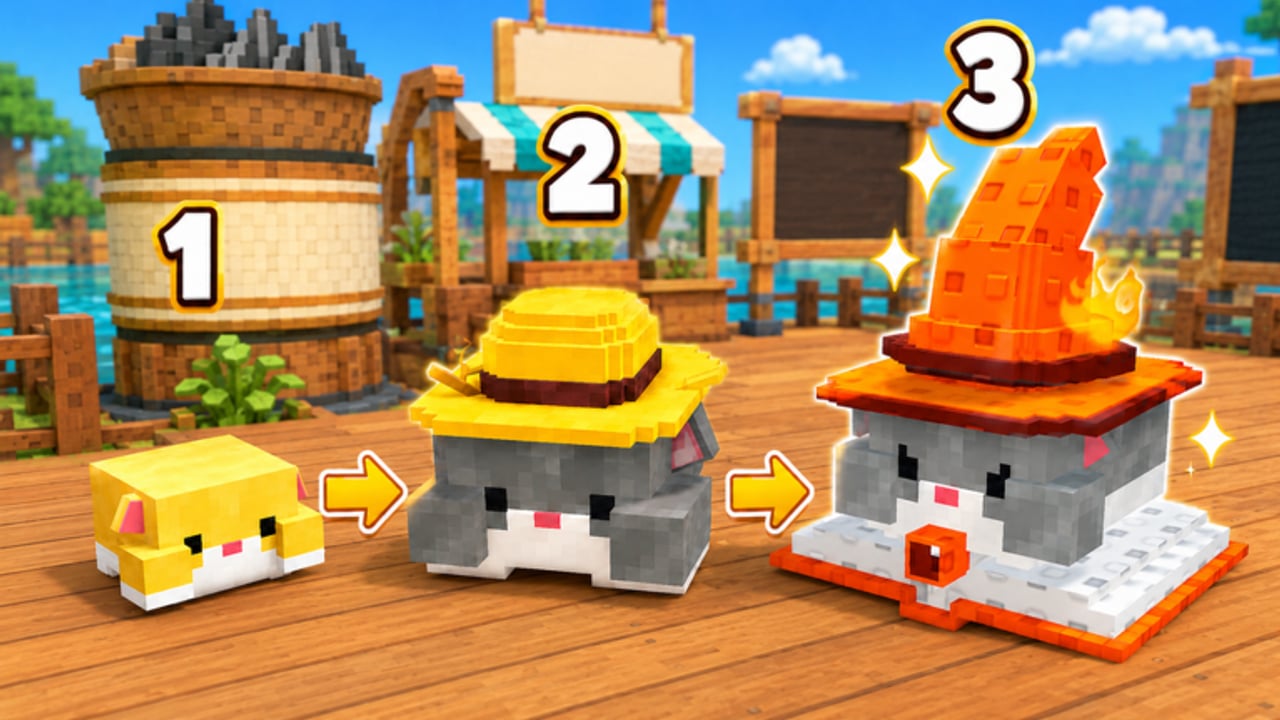
This Scripts Hub covers optional automation for Hamster Village on Roblox by Dojo Empire. Scripts can speed up Collect, Deposit, Cashier, Buy, Merge, and Upgrade loops, but they always carry account and device risk. Read this overview before pasting any loadstring.
Who this hub is for
Use scripts only if you already understand the manual loop:
- Buy Hamsters with Cash
- Wait for Seeds to drop
- Collect into Carry
- Deposit Carry
- Cashier PendingCash into Cash
- Merge three same-tier hamsters into one higher tier
- Upgrade seed sale rate and Buy Tier when it makes sense
If those words are new, start with Getting Started and How to Farm Seeds instead. Automation without understanding Deposit vs Cashier usually wastes Cash or stalls Merge stacks. Official Robux Auto Loot, Auto Cash, and Double Seed are documented on Gamepasses — those store products are not the same as executor toggles.
Featured script page
- Hidevin Auto Farm — keyless loadstring with Auto Loot Seeds, Auto Deposit + Cashier, Auto Buy (1/5/25/100), Auto Merge, Auto Upgrade Selling Seeds, Auto Upgrade Buy Tier, one-tap Deposit/Cashier helpers, and Anti-AFK. Game-locked toward Universe/GameId
10739044772.
That child page includes the exact loadstring in a code fence, feature breakdowns, executor notes, and a safer enable order. This hub stays focused on safety and decision-making.
Safety rules (read before executing)
- Roblox can ban automation. Using executors and injected scripts may violate Roblox Terms of Use. You accept that risk.
- Only run scripts while inside this experience. Prefer tools that check GameId / UniverseId
10739044772so they refuse other places. - Never share your Roblox password or paste account cookies into “script hubs,” Discord DMs, or fake “verify” sites.
- Prefer keyless scripts you can read. Blindly trusting obfuscated payloads increases malware risk on Windows and Android executors alike.
- Test on an alt if you can. Keep your main for manual play until you trust the toggle set.
- Disable Auto Buy / Auto Buy Tier first when cash is low. Infinite buy attempts with empty Cash just spam remotes.
- Watch Merge. Auto Merge is powerful, but merging every triple immediately can leave you without low-tier volume if you still need floor coverage.
What good Hamster Village scripts usually automate
Based on the live button set players see in-session:
| Feature | Manual equivalent | Why it matters |
|---|---|---|
| Auto Loot Seeds | Walk/collect drops into Carry | Stops Seeds rotting on the floor |
| Auto Deposit | Deposit button | Moves Carry into the cash pipeline |
| Auto Cashier | Cashier button | Turns PendingCash into spendable Cash |
| Auto Buy 1/5/25/100 | Add1 / Add5 / Add25 / Add100 | Scales village size when Cash allows |
| Auto Merge | Merge (3 → 1) | Pushes tiers for higher seed output |
| Auto Upgrade (sale) | Upgrade seed sale rate | Improves Cash per deposited Seeds |
| Auto Buy Tier | TierUpgrader / Buy Tier | Unlocks higher purchase tiers |
| Anti-AFK | Stay active | Reduces idle kicks during long farms |
There is no rebirth step to script. If a random script advertises “auto rebirth” for this game, treat it as mismatched or outdated.
Recommended enable order
Even with a full auto farm, turn features on in a sensible order:
- Anti-AFK (optional)
- Auto Loot Seeds
- Auto Deposit
- Auto Cashier
- Auto Upgrade selling Seeds (when you can afford it)
- Auto Merge (after you understand tier goals)
- Auto Buy amounts that match your Cash buffer
- Auto Buy Tier only when you intentionally want the next unlock bracket
This order mirrors the Session Checklist and keeps Cash flowing before spend toggles empty your wallet.
Scripts vs skill
Scripts do not replace planning. You still need:
- Tier List Hub thinking for early volume vs high-tier output
- How to Merge Hamsters for when not to merge
- How to Unlock Hamsters for Buy Tier timing
- Hamster Collection for roster goals
- Codes Hub honesty — do not expect scripts to redeem nonexistent promo codes
Executor compatibility notes
Community reports for the Hidevin-style keyless farm mention testing with common mobile and PC executors (examples players cite include Delta, KRNL, Codex, Arceus X, Wave, and Trigon Evo). Compatibility changes often. If a loadstring fails:
- Confirm you are in Hamster Village (correct Place ID)
- Update the executor
- Rejoin after a Shutdown = Update window (see October 2026)
- Fall back to manual Collect / Deposit / Cashier
Do not confuse executor Auto Loot toggles with the official Robux Gamepasses (Auto Cash, Auto Loot, Double Seed).
Related links
Play fair when you can. If you automate, automate carefully — and keep learning the Seed → Cash pipeline so a broken script never bricks your session.
Frequently Asked Questions
Quick answers to the most common questions.
Are Hamster Village scripts safe?
No script is fully safe. Automation can violate Roblox rules and some loadstrings can harm your device. Use keyless scripts you understand, prefer game-locked tools, and consider an alt account.
Which script page should I open first?
Open the Hidevin Auto Farm child page for the keyless loadstring, feature list, and safer toggle order. This hub is the overview and safety briefing.
Do I need a script to progress?
No. Manual Collect, Deposit, Cashier, Merge, Upgrade, and Buy Tier are enough. Scripts only speed repetition after you know the loop.
Why do some scripts mention rebirth?
Hamster Village’s public loop has no rebirth. A rebirth toggle usually means the script was built for another tycoon or an outdated description.
Will a script redeem codes for me?
Not usefully right now — there are no confirmed Roblox promo codes for this game as of October 2026. See the Codes Hub for the honest status.