Hamster Village How to Farm Seeds
Collect → Carry → Deposit → Cashier — the full money loop explained.
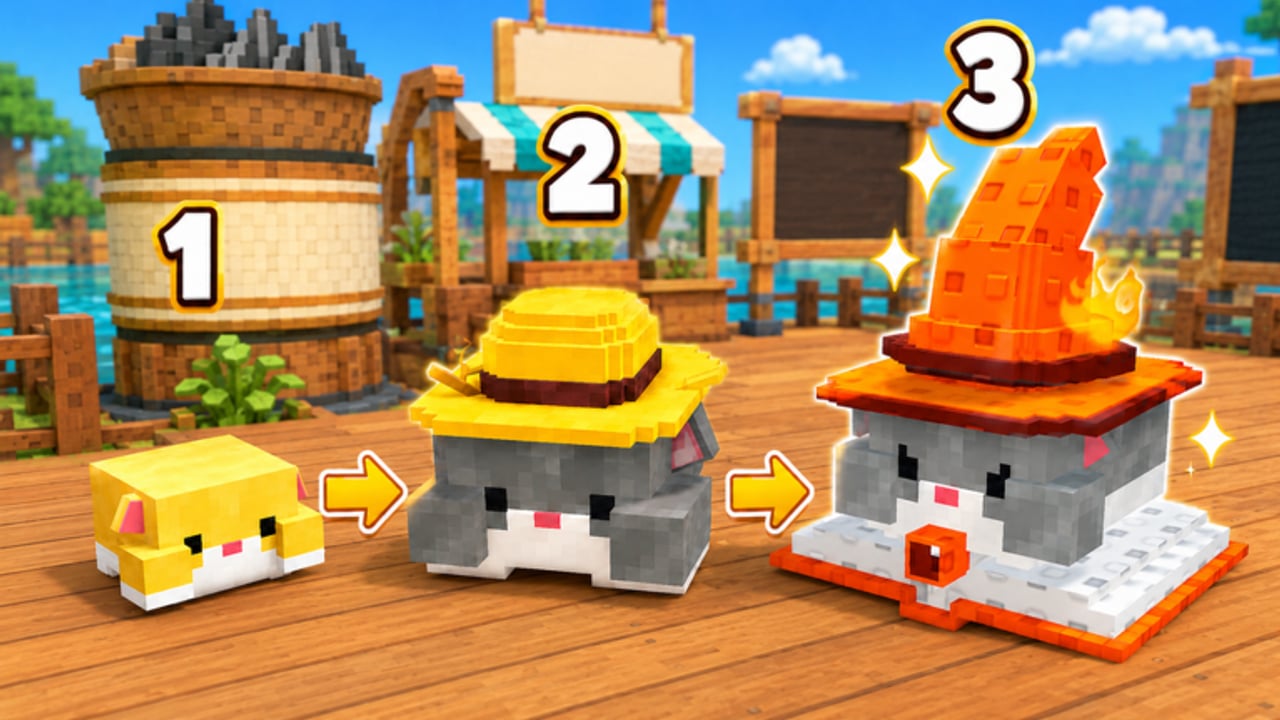
Seeds are the heartbeat of Hamster Village on Roblox. Hamsters drop them over time; you collect them into Carry, Deposit converts that carry into pending value, and the Cashier turns PendingCash into spendable Cash. If any step stalls, your village stops growing even when the plot looks busy.
This guide focuses on the economy loop only. For day-one setup, use Getting Started. For spending Cash on merges, open How to Merge Hamsters. For Buy Tier and collection unlocks, see How to Unlock Hamsters.
Confirm you are on the right game
Farm advice only helps if you joined Dojo Empire’s Roblox experience (Place ID 128715403389835). Mobile guides that talk about hearts, diamonds, or Mediterranean islands belong to a different product. Verify the place with the Roblox Game Link page before optimizing anything.
Step 1 — Make Seeds drop
Seeds only appear when you own at least one hamster. Buy with the plot buttons that purchase 1 / 5 / 25 / 100 units at once. Early on, prefer keeping at least one producer active rather than sitting on unused Cash.
Higher-tier hamsters drop more Seeds. That is why merges matter later, but volume of low-tier units still matters in the first minutes while you learn Collect and Deposit.
Step 2 — Collect into Carry
Dropped Seeds sit on the plot until you touch or collect them. Collection fills Carry. If you ignore drops, production continues but you never bank value.
Practical habits:
- Sweep the plot whenever you see several drops clustered.
- Do not walk away for long AFK stretches without a plan — idle time only helps if you return to Collect and Deposit.
- After a busy buy wave, expect a denser seed field; clear it before buying again so Carry does not become a mental backlog.
Step 3 — Deposit
Deposit moves Carry into the shop pipeline (pending drop / pending cash style value). Collecting alone is not enough. Players who only pick up Seeds and never Deposit look “active” while Cash stays flat.
Treat Deposit as a checkpoint:
- Collect until Carry is meaningful.
- Press Deposit.
- Confirm Carry dropped and pending value rose.
- Only then decide whether to buy, merge, or upgrade.
Step 4 — Cashier for Cash
Cashier claims PendingCash into spendable Cash. Skipping Cashier is the second classic leak after skipping Deposit. Your upgrade buttons, bulk buys, and merges all spend Cash — not raw Seeds on the ground.
A clean loop looks like:
Buy → Wait for drops → Collect → Deposit → Cashier → Spend → Repeat
If Cash feels stuck, walk that chain from the top and find the first step you cannot verify.
Timing and efficiency tips
Short sessions
In a ten-minute session, aim for multiple full Deposit–Cashier cycles rather than one giant buy. Early prices scale with ownership; dumping everything into Add100 before you understand Deposit often leaves you cash-poor with a messy plot.
Medium sessions
Once Collect feels automatic, split Cash between:
- More hamsters for raw Seed volume
- Upgrade (seed sale rate) when Deposit already works
- Saving triples for merges
Use the Tier List Hub to decide whether early volume or mid-tier merges pay better for your current Buy Tier.
Long / AFK-leaning sessions
The game can idle-produce Seeds, but someone still has to Collect, Deposit, and Cashier. If you use optional automation, read the Scripts Hub and Hidevin Auto Farm safety notes first. Understanding the manual loop makes it obvious when a script is actually helping versus teleporting into the wrong button.
Upgrades that raise farm value
Two shop-style upgrades appear in the live loop:
- Upgrade — raises seed sale rate so each Deposit/Cashier path yields more Cash.
- TierUpgrader / Buy Tier — raises the tier of hamsters you purchase, which indirectly raises Seed drop quality.
Neither replaces Collect. Buy sale-rate upgrades after you can complete Deposit–Cashier without thinking. Raise Buy Tier when low-tier spam no longer moves the needle — details live in How to Unlock Hamsters.
Common farming mistakes
- Collect without Deposit — Carry fills, Cash does not.
- Deposit without Cashier — pending value sits unclaimed.
- Buying before clearing drops — plot clutter hides whether production is healthy.
- Merging every triple instantly — sometimes early volume beats a rushed tier-up; check the tier list.
- Following mobile code lists — diamonds/gold codes are not this Roblox economy; see the Codes Hub.
Session checklist for Seed farming
Use the printable flow on the Session Checklist tool page, or run this mini version:
- Confirm Place ID / Dojo Empire experience.
- Own at least one hamster that is dropping Seeds.
- Collect visible drops into Carry.
- Deposit and verify Carry falls.
- Cashier and verify Cash rises.
- Spend only what you can explain (buy, upgrade, or merge).
- Recheck drops after spending.
Related reading
- Getting Started — first full cycle
- How to Merge Hamsters — spend Cash for higher Seed tiers
- Players Hub and Hamster Collection — plan which tiers to keep
- Updates Hub — after “Shutdown = Update” windows, re-test Deposit and Cashier in case UI labels move
Master Seeds first. Every other system in Hamster Village spends the Cash that this loop creates.
Frequently Asked Questions
Quick answers to the most common questions.
Why am I collecting Seeds but not getting Cash?
Collect only fills Carry. You must Deposit Carry, then use the Cashier to claim PendingCash as spendable Cash.
Do higher-tier hamsters farm Seeds faster?
Higher tiers drop more Seeds over time. Merge triples and raise Buy Tier when low-tier volume stops increasing Cash efficiently.
Should I upgrade seed sale rate early?
After Deposit and Cashier feel reliable. Sale-rate upgrades multiply a loop that already works; they do not fix a missed Deposit.
Is there a rebirth that resets Seed farming?
No. The public Hamster Village Roblox loop has no rebirth. Progress is buy, farm, Deposit, Cashier, merge, and Buy Tier.
Where can I track a full session plan?
Use the Session Checklist tool and cross-check priorities on the Tier List Hub before large spends.